
AI phishing is ordinary phishing with the mistakes taken out. The bad grammar, odd greetings and clumsy wording people were trained to spot are gone, and the messages now arrive by text, phone, QR code and Teams as often as by email. We have seen business email compromise and QR code phishing at our clients, and the attacks that work are the ones that look routine.
Your bookkeeper gets a reply, in a real thread from a vendor she has worked with for years, asking her to update the bank account for this month’s payment. There are no typos. The vendor’s mailbox was taken over, and AI matched the vendor’s writing style.
How big the phishing problem is
The FBI’s Internet Crime Complaint Center received 191,561 phishing and spoofing complaints in 2025, more than any other crime type. Business email compromise, where attackers impersonate a vendor, client or executive to redirect money, produced fewer complaints but far bigger losses.
$3.05 billion
lost to business email compromise in 2025, from 24,768 complaints, according to the FBI’s 2025 Internet Crime Report.
The same report counted more than 22,000 complaints that involved AI, with reported losses of about $893 million. Microsoft’s 2025 Digital Defense Report found that phishing and social engineering started 28% of the breaches it investigated, more than any other route in.
How AI phishing differs from the old kind
AI tools write fluent English, or any language, with no spelling mistakes. The old advice to look for typos no longer works on its own.
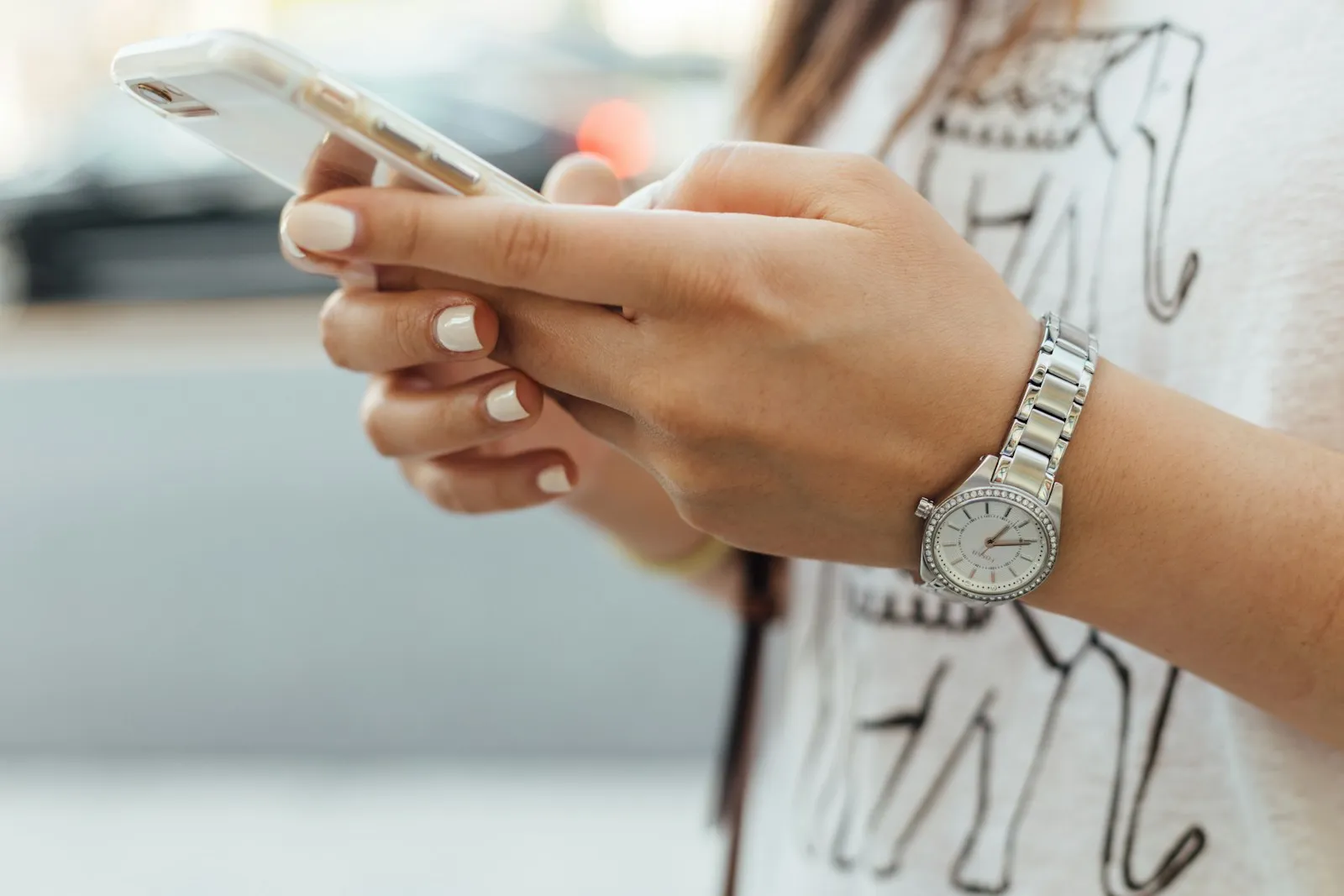
- Attackers use AI to sift through LinkedIn profiles, company websites and social media, then mention your projects, coworkers or recent trips.
- Messages that once took an hour to tailor now take seconds, so small organizations get the targeted treatment that used to be saved for large companies.
- The FBI has warned that criminals use AI-generated voice messages to impersonate public figures and people the victim knows, and that cloned voices can sound nearly identical to the real person. Our post on how to spot a deepfake covers that side.
Six scams to brief your team on
Fake Microsoft 365 alerts
Messages about unusual sign-in activity, a full mailbox, a shared document or an expiring password link to a fake Microsoft login page. Almost every office uses Microsoft, which is why Check Point Research found it was the most impersonated brand in phishing in the second quarter of 2026, at 23% of brand phishing attempts. ChatGPT entered the top ten for the first time.
Reply-chain and vendor compromise
An attacker breaks into one person’s mailbox, reads the conversations and replies inside a real thread with a malicious link or new payment instructions. A known address in an ongoing conversation skips most of the usual red flags.
The text from the boss
A text that appears to come from the owner asks someone to buy gift cards or send a quick payment, and says they can’t take calls right now. Variations use WhatsApp, Teams or a personal email address.
QR codes
A QR code in an email, PDF or printed notice leads to a fake login or payment page. The FTC warns that scammers use QR codes in messages about missed deliveries, account problems and suspicious activity, and even place stickers over real QR codes on parking meters. Scanning with a phone also moves the attack off the computer, where your security tools are. Our post on QR code phishing goes deeper.
Text and voice lures
The FTC reported $470 million in losses to text scams in 2024, more than five times the 2020 figure, and flagged fake fraud alerts and bogus toll notices as scams that hit businesses. Verizon’s 2026 breach report found people in phishing tests clicked on text and voice lures 40% more often than on email.
Cloned sites and fake fixes
Lookalike sites copy your bank, a vendor portal or a shipping company, with a domain that differs by a letter. Microsoft has also tracked a rise in ClickFix attacks, where a fake error page tells the user to copy and run a command, and device code phishing, which tricks people into approving a sign-in for the attacker.
Warning signs that still work
When the message itself looks perfect, train people to judge what it asks for:
- Any change to bank details, payment method or where money goes.
- Urgency, secrecy or a reason you can’t call to check (“I’m in meetings all afternoon”).
- A request to switch channels, such as moving from email to text or WhatsApp.
- A QR code or login link you weren’t expecting.
- Being asked to approve an MFA prompt, read out a code or run a command.
- A sender or web address that is close to right but slightly off.
What to do with a suspicious message
- Stop. Urgency is the attacker’s main tool, and a short pause defeats most scams.
- Verify through a channel you already trust. Call the person at a number you have on file, never one in the message. This applies to every money or payment change.
- Type the website address yourself or use a saved bookmark instead of scanning or clicking.
- Report it with your email’s report button or by forwarding it to IT. One report can protect everyone else who got the same message.
- If you already clicked or entered a password, say so right away, so IT can reset the password, end active sessions and check for damage.
Our clients get phishing simulations year-round. When someone clicks, they get a short lesson on the spot, and the client sees the result. Our guide to cybersecurity training for employees covers how to build these habits without blaming people.
Controls that hold when someone clicks
A well-crafted AI message will fool someone eventually. These layers limit what an attacker can do next, and they are the core of a cybersecurity program:
- Phishing-resistant sign-in such as passkeys, which Microsoft says only work on the website or app they were created for. Our clients’ admin accounts use phishing-resistant sign-in, and everyone else approves sign-ins with number matching.
- A business password manager, which won’t fill your password into a lookalike site.
- Email filtering that scans links and attachments and flags messages from outside the organization.
- SPF, DKIM and DMARC on your domain, moved gradually from monitoring to quarantine to reject, as Microsoft recommends.
- Endpoint detection and response with 24/7 monitoring, so a device that runs something malicious can be isolated quickly.
- A written payment procedure that requires a phone call before any new payee or bank change, and two people to sign off on large amounts.
When phishing becomes a compliance problem
If you keep client, patient or financial records, a phished mailbox can mean notification duties. If an attacker gets into an inbox full of patient records, HHS presumes an impermissible disclosure of protected health information is a reportable breach unless a risk assessment shows a low probability the data was compromised, and affected individuals must be notified within 60 days of discovery. See how we work with healthcare practices.
Financial and accounting firms covered by the FTC Safeguards Rule must notify the FTC within 30 days of discovering that unencrypted information about 500 or more consumers was acquired without authorization. In both cases, staff who report mistakes right away keep the scope small. Our compliance services help you plan for that moment.
The goal is that one convincing message never turns into a wire transfer or a breach notice. Book an intro call for a second opinion on how your email settings and your staff would hold up against a message like the vendor reply above.
A first step on your own
See if someone could send email as you.
Our domain security check reads your email, website and DNS settings from public records and shows what to fix first.
Enter the part after the @ in your work email. About 15 seconds. We only read public records.
FAQ
Frequently asked questions
Why do AI-generated phishing emails seem so real?
AI writes fluent text in any language with no spelling mistakes, and it can copy a real person’s writing style. Attackers also feed it details from LinkedIn, company websites and social media, so the message mentions your projects, coworkers or vendors. When the attacker sends from a compromised mailbox inside a real thread, nothing about the message looks off.
How do you identify AI-generated phishing emails?
Judge what the message asks for, since the wording will look clean. Warning signs are any change to bank details or payment method, urgency or secrecy, a request to move to text or WhatsApp, an unexpected QR code or login link, and a request to approve an MFA prompt. Check by calling the person at a number you already have.
How do you stop AI-generated phishing attacks?
Assume someone will click eventually, and limit what the attacker can do next. Phishing-resistant sign-in such as passkeys, a password manager that won’t fill a lookalike site, email filtering, DMARC on your domain and 24/7 endpoint monitoring cover most of it. Add a payment procedure that requires a phone call before any new payee or bank change.
Sources: FBI IC3 2025 Internet Crime Report; FBI IC3 PSA: Senior US officials impersonated in malicious messaging campaign, May 2025; Microsoft Digital Defense Report 2025; Verizon 2026 Data Breach Investigations Report; Check Point Research: Q2 2026 Brand Phishing Report; FTC Business Blog: New FTC Data Spotlight highlights text scams that may target your business, April 2025; FTC Consumer Alert: Scammers hide harmful links in QR codes, December 2023; Microsoft Learn: Passkeys (FIDO2) authentication in Microsoft Entra ID; Microsoft Learn: Set up DMARC to validate the From address domain; HHS: HIPAA Breach Notification Rule; 16 CFR 314.4 (FTC Safeguards Rule, notification requirement).



