
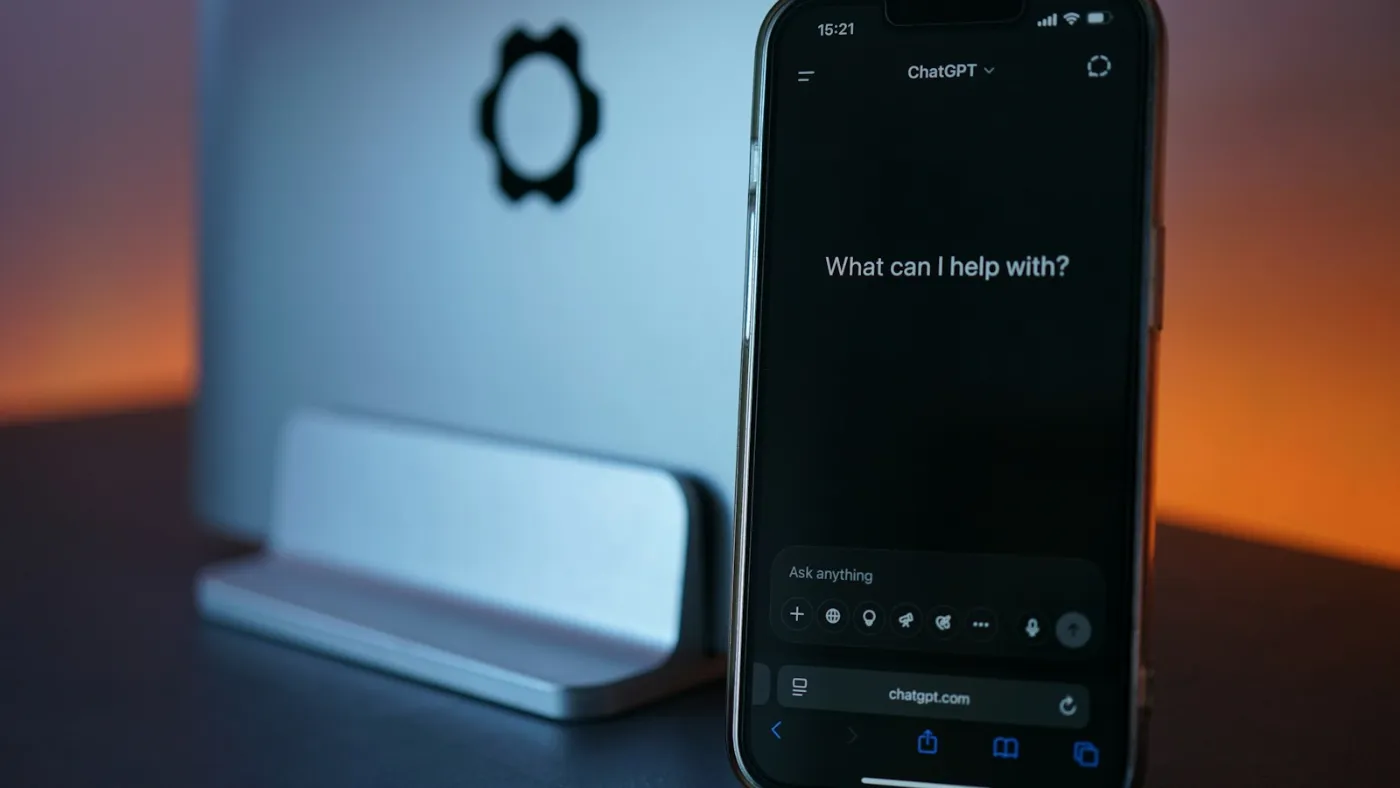
A bookkeeper pastes a client’s email into a personal ChatGPT account to clean up the wording. A practice manager drops a spreadsheet into an AI tool for a quick summary before a meeting. An AI note-taker joins a Teams call with a client and records every word. Each saves time, and each is shadow AI. So what is shadow AI, exactly? Any AI tool used for work without the organization’s approval.
It has quickly become one of the most common ways company data ends up somewhere it shouldn’t.
Key takeaways
- Shadow AI is any AI tool staff use for work without approval. Microsoft found 78% of AI users bring their own tools.
- Unapproved AI use showed up in 43% of the breaches IBM studied for its 2026 report, up from 20% the year before.
- Free personal AI accounts can use whatever staff type in to train the AI, unless someone turns that setting off.
Talk to an advisor
Ask about your own setup.
We ask what you’re trying to accomplish and tell you what we’d look at first. It costs nothing to talk, and no price comes up on this call.
How common shadow AI is
In Microsoft and LinkedIn’s 2024 Work Trend Index, 75% of knowledge workers said they use AI at work, and 78% of those users bring their own tools instead of waiting for one from their employer.
43%
of breaches in IBM’s 2026 study involved employees using AI tools the business hadn’t approved. A year earlier it was 20%.
Those incidents averaged $5.39 million, and 68% of the breached organizations had no AI governance at all. The dollar figure reflects large companies, but the pattern holds for a 20-person office: the tools show up first, and the rules come later, if at all.
How to detect shadow AI: warning signs it’s already happening
Most owners can’t name the AI tools their staff use. Check for these signs:
- 01Staff mention ChatGPT or another chatbot in passing, and nobody ever approved one.
- 02AI note-taking bots appear in the attendee list of Teams or Zoom calls.
- 03Microsoft Entra ID shows AI apps connected to staff accounts. Many can read email and files once someone clicks “Accept.”
- 04Browsers have AI writing or summary extensions, which can read the pages staff have open.
- 05Software you already pay for has added AI features that someone switched on.


Why the account type matters
What happens to the data depends on the account, and that is the part most owners don’t know.
- OpenAI says it may use conversations in free and personal ChatGPT accounts to train its models unless the user turns training off in Data Controls.
- OpenAI doesn’t train on ChatGPT Business, Enterprise or API data by default.
- With a work sign-in through your Microsoft 365 account, Microsoft Copilot Chat keeps prompts and responses inside the Microsoft 365 service boundary with enterprise data protection, and Microsoft says they aren’t used to train the underlying models. It comes at no extra cost with Microsoft 365.
Where shadow AI becomes a compliance problem
If you keep client, patient or financial records, it can become a violation the moment protected information goes into the wrong tool.
Healthcare and HIPAA
HHS says a covered entity that uses a cloud service to maintain electronic protected health information without a business associate agreement is in violation of the HIPAA Rules. Free AI chatbots don’t sign those agreements, so patient details typed into one create exactly that problem. See how we support healthcare practices.
Accounting, tax and financial firms
The Safeguards Rule requires a written information security program and oversight of the service providers that handle customer information. An AI tool nobody approved is a service provider nobody vetted. Since May 13, 2024, covered firms must also notify the FTC within 30 days of discovering that unencrypted information about 500 or more consumers was acquired without authorization. More on IT for accounting and financial firms.
Law firms
In Formal Opinion 512 (July 2024), the American Bar Association advised that lawyers get a client’s informed consent before putting confidential client information into generative AI tools that can learn from it, and that boilerplate language in an engagement letter isn’t enough. See IT for law firms.
Your AI policy, approved tools and AI vendor vetting belong in your written security program. Our compliance services cover this for these fields and other small and mid-size businesses.
How to stop shadow AI without banning AI
Bans rarely work. People switch to their phones, and you lose what little visibility you had. Work through it in this order:
- Ask your team. A short, no-blame survey about which AI tools people use for work surfaces most of it in a day.
- Review AI apps connected in Microsoft Entra ID, browser extensions and meeting note-takers. Intune policies can limit which extensions are allowed.
- If you’re licensed for it, use Defender for Cloud Apps to list the generative AI apps used across your organization and mark each one approved or blocked. Microsoft is also previewing a Shadow AI view in the Microsoft 365 admin center for E5 customers.
- Pick approved tools. For most organizations on Microsoft 365, Copilot Chat with a work sign-in is the easiest start because it is already included.
- Turn off training on consumer accounts that stay in use, or move those people to a business plan.
- Set up the sensitivity labels and data loss prevention your licenses include.
- Write a short AI use policy, train staff with real examples, and revisit it every few months.
For clients, we find what is already in use, block or control AI tools that haven’t been approved, get Microsoft 365 ready for Copilot, and write the AI use policy, as part of our cybersecurity and managed IT services.
If client data already went into an AI tool
- Find out what was shared, with which tool, and under which account.
- For a personal account, have the employee delete the conversation, turn off training and move to an approved tool.
- Disconnect any AI app given access to company email or files.
- Check whether HIPAA or FTC notification rules apply, and talk to your compliance advisor.
- Record what happened and tighten the policy.
What to put in your AI use policy
A good AI acceptable use policy fits on a few pages and answers the questions staff actually have. At minimum it should cover:
- Approved tools and the exact account to use with each one.
- Data that never goes into AI, including client, patient, financial and employee information, passwords, and anything under an NDA.
- Your compliance rules and how they apply to AI.
- No personal AI accounts for company work, and no connecting AI apps to company email or files without approval.
- Meeting note-takers and browser extensions.
- Human review of anything AI produces before it reaches a client or drives a decision.
- How to report a mistake quickly and without fear of punishment.
- Who owns the policy and how often it is reviewed.
Our free AI policy template turns this list into a written policy. Each hard choice is laid out as options, with the trade-offs of each.
Our ChatGPT and AI governance guide covers who owns the policy and how it fits a wider program. See also how Wahaya IT uses AI and our AI services.
Your staff are probably using AI already, so the real choice is whether it happens on your terms. To have us find out what is in use today, book a 15-minute call.
Related reading

For a real example, read how a healthcare organization reviewed an AI reporting tool and found patient data in its accounting system in our AI vendor risk assessment case study.
Frequently asked questions
What is shadow AI?
Shadow AI is any AI tool staff use for work without the organization’s approval, such as a personal ChatGPT account, an AI note-taker in a Teams call or a browser extension that summarizes pages. In Microsoft and LinkedIn’s 2024 Work Trend Index, 78% of people using AI at work brought their own tools.
What are the risks of shadow AI?
Client, patient or financial data can end up in a tool that trains on it or that nobody vetted. IBM’s 2026 study found unapproved AI use in 43% of the breaches it examined. For healthcare practices, putting patient data into a cloud tool without a business associate agreement violates HIPAA, and financial firms under the FTC Safeguards Rule must oversee every service provider that handles customer information.
How do you detect shadow AI?
Start with a short, no-blame survey asking which AI tools people use for work. Then review AI apps connected to staff accounts in Microsoft Entra ID, browser extensions, and note-takers in your meeting attendee lists. If you’re licensed for it, Defender for Cloud Apps can list the generative AI apps in use across your organization.
What is the difference between shadow AI and shadow IT?
Shadow IT is any technology staff use for work without approval, such as a personal file-sharing account or an unapproved app. Shadow AI is the part of shadow IT that involves AI tools. The extra risk is what happens to the data: free personal AI accounts can use what staff type to train the model unless someone turns that setting off, so one pasted email can leave your control.
How do you stop shadow AI?
Banning AI rarely works, because people switch to their phones. Ask staff which tools they use, review AI apps connected in Microsoft Entra ID, pick approved tools such as Copilot Chat with a work sign-in, move people off personal accounts or turn training off, and write a short AI use policy. Our free AI policy template is a good starting point.
Sources
- IBM Cost of a Data Breach Report 2026
- Microsoft and LinkedIn 2024 Work Trend Index
- OpenAI data use policy
- Microsoft Copilot Chat privacy and protections
- Microsoft Purview: discover AI apps
- Microsoft 365 admin center: Shadow AI (preview)
- HHS: HIPAA and cloud computing
- FTC: Safeguards Rule notification requirement
- ABA Business Law Today on Formal Opinion 512


Next step
Let us handle this for you.
We keep staff off AI tools nobody approved and steer them to a tool we can secure.
- 15 minutes
Tell us which question brought you here and how your office runs.
We’ll tell you how it applies to you and what we’d look at first.
If we’re not the right fit, we’ll say so.
 15 minutes



