
Yes. A modern office printer or copier is a networked computer with a hard drive, and most offices treat it like an appliance. It stores copies of what it scanned and printed, it accepts connections from the network, and its software rarely gets updated. That combination is why printers keep showing up in breaches.
Quocirca’s 2026 Print Security Landscape study, which surveyed 400 IT decision makers in the UK, France, Germany and the US, found that 67% had a print-related data loss in the past year, up from 56% the year before.
Talk to an advisor
Ask about your own setup.
We ask what you’re trying to accomplish and tell you what we’d look at first. It costs nothing to talk, and no price comes up on this call.
How printers get hacked
Default admin passwords
Many devices ship with a known password, and nobody changes it. Anyone on the network can then change settings, forward scans or read the address book.
Old firmware
Printer software has security flaws like any other. A device that never gets firmware updates keeps those flaws for life.
Open services
Printers often run web pages, file sharing and remote management that nobody uses. Each one is a way in.
Scan to email with saved credentials
A copier that sends scans through a mailbox holds that mailbox’s password. If the device is compromised, so is the mailbox.
Printouts left in the tray
The simplest leak is a page with patient or client details sitting on the copier for anyone to pick up.


The copier hard drive problem
Copiers keep images of scanned and printed pages on an internal drive. In 2013, Affinity Health Plan agreed to pay $1,215,780 to settle potential HIPAA violations after it returned photocopiers to a leasing agent without erasing their hard drives, affecting up to 344,579 people. HHS said Affinity failed to include the copier drives in its risk analysis and had no procedures for returning them.
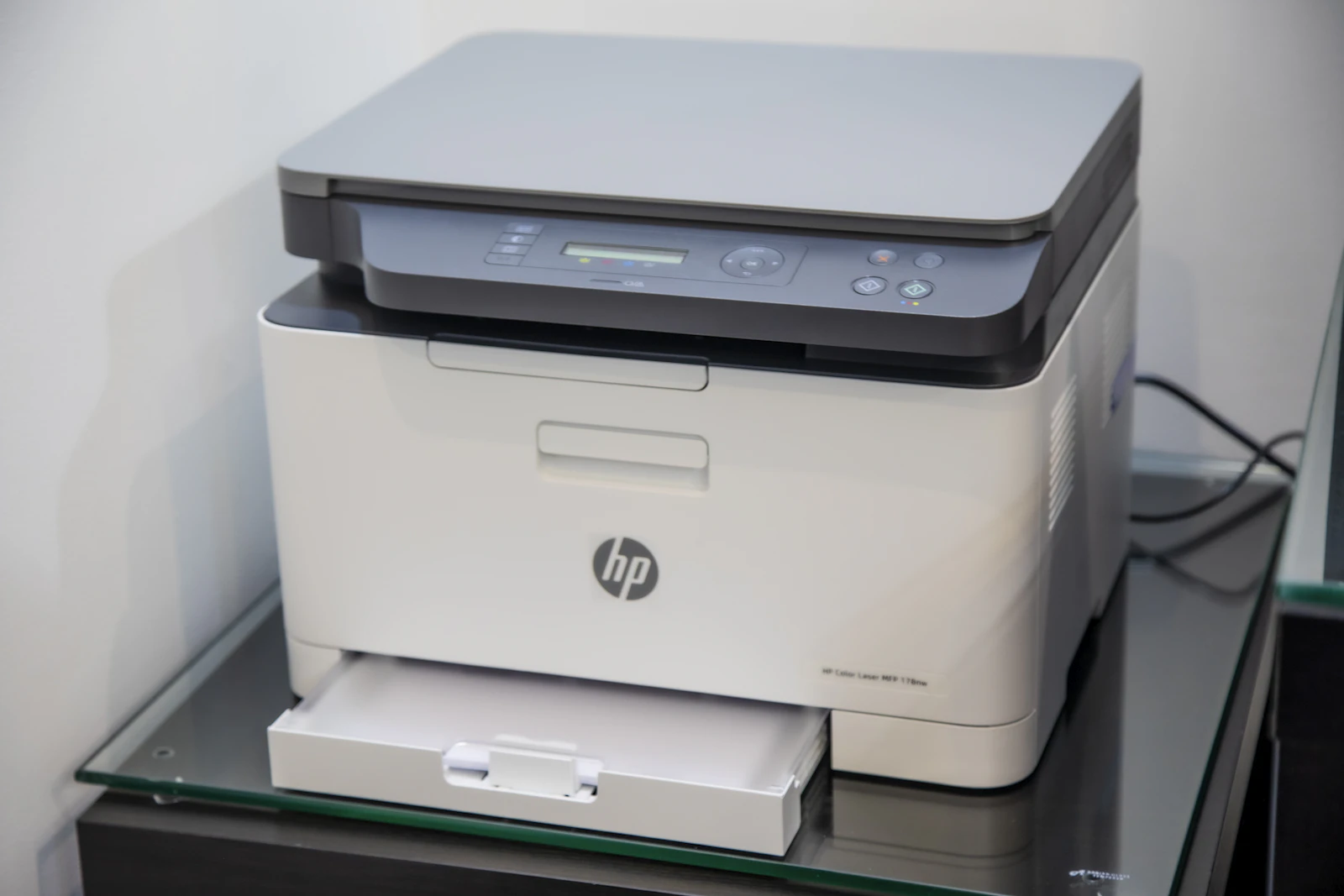
Louisiana law requires businesses to destroy records with personal information they no longer keep by “shredding, erasing, or otherwise modifying” them so they can’t be read (La. R.S. 51:3074). A copier drive is a record like any other. Before a leased copier goes back, get in writing how its drive will be wiped or removed, and keep the certificate.
How to secure office printers and copiers
- Change the default admin password on every device, and store it with your other admin passwords.
- Update the firmware, then keep updating it when the maker releases security fixes.
- Turn off services you don’t use (web printing, file sharing, old protocols).
- Keep printers off the guest Wi-Fi and away from the internet. They belong behind your firewall on the business network, or on their own network.
- Use secure print release, so jobs wait until their owner taps a card or enters a code at the device.
- Send scans through an account that can only send, not read, mail.
- Wipe or remove the drive before any device leaves the building, and keep the paperwork.
- Add printers and copiers to your risk assessment. If you follow HIPAA or the FTC Safeguards Rule, they’re in scope.

What we do for printers we manage
Where we manage the network, print devices sit behind the firewall we manage. Prints wait for their owner: a job is released with a card or key, and unreleased jobs are deleted after a set time. We track printing by user and device, which also shows which printers you can retire. Fewer devices means fewer things to secure. When equipment leaves a client, it goes to certified recycling partners, with documentation.
Desk printers are a different story. The software that holds prints for release doesn’t run on them, so we recommend keeping them to a minimum in offices that handle sensitive records.
If your copier lease renews in the next year, it’s a good time to ask what’s stored on it. Book a 15-minute call and we’ll tell you what we’d check on your print setup. Our managed print services page covers what we look after.
Related reading

Frequently asked questions
Can a printer be hacked over Wi-Fi?
Yes. A printer on your Wi-Fi accepts connections like any other device, and many printers also broadcast their own Wi-Fi Direct network. Turn off Wi-Fi Direct if you don’t use it, change the admin password and keep the printer off the guest network.
Do home printers matter for remote staff?
They can. Pages printed at home with client or patient details leave your control. Decide in your work from home policy what staff may print at home, and how those pages get shredded.
Do printers store copies of documents?
Many office copiers and multifunction printers have an internal drive or memory that can hold scanned and printed images, address books and saved settings. Turn on data overwrite or encryption if the device supports it, and wipe or remove the drive before a leased or old device leaves your office.
How do you secure a network printer?
Change the default admin password, keep firmware current, turn off services you don’t use, and put printers on their own network segment. Require a release code or badge for sensitive print jobs, send scans to approved destinations only, and wipe stored data before the device is returned or retired.
Sources
Next step
Let us handle this for you.
Copiers and printers sized to the work, prints released with a card or key, and toner shipped before you run out.
- 15 minutes
Tell us which question brought you here and how your office runs.
We’ll tell you how it applies to you and what we’d look at first.
If we’re not the right fit, we’ll say so.
 15 minutes



