
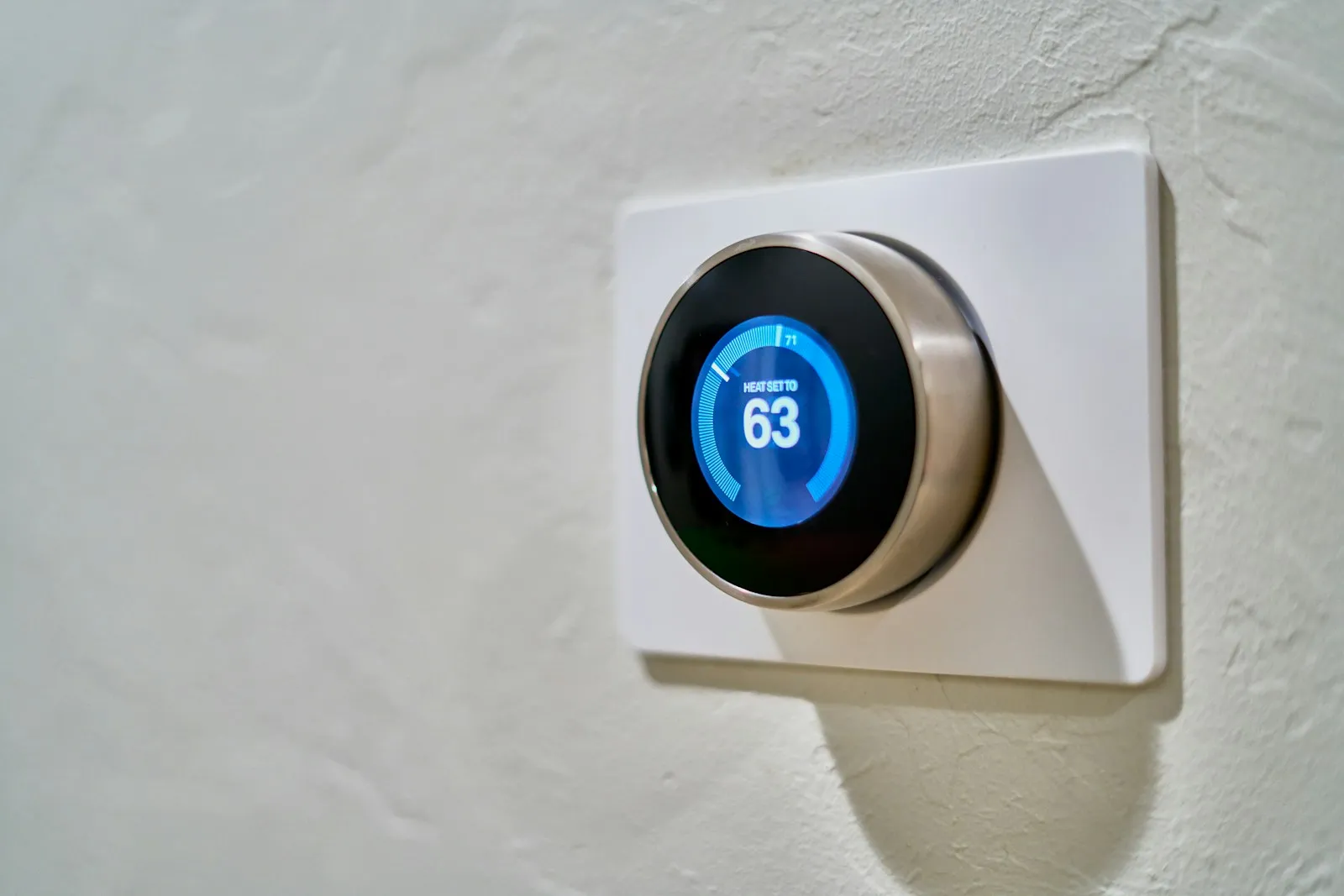
Walk through a typical small office and count the network devices that aren’t computers: security cameras and the recorder, the conference room TV, a streaming stick, smart thermostats, door access controllers, the printer, maybe a digital picture frame in the lobby. Each one runs software and connects to the internet, and IoT device security rarely gets the attention a laptop does.
The Internet of Things (IoT) is a common blind spot.
Talk to an advisor
Ask about your own setup.
We ask what you’re trying to accomplish and tell you what we’d look at first. It costs nothing to talk, and no price comes up on this call.
Why connected devices are easy targets
- Many have shipped with shared default logins that are easy to look up.
- Some manufacturers patch for a short time, or never, and updates often have to be applied by hand.
- You can’t install endpoint protection on most cameras or TVs, so problems go unnoticed.
- They run around the clock, often with ports open to the internet for remote viewing.
- Nobody owns them. A vendor installs them, or an employee brings one in, and no one checks them again.
An attacker usually isn’t after the camera itself. They want a foothold where nobody is looking, a device to route their traffic through, or a stepping stone to the computers and file shares on the same network. A flat network, where every device can talk to every other device, makes that easy.
What the FBI warned about in 2025
In June 2025 the FBI warned that criminals were exploiting connected devices on home networks through the BADBOX 2.0 botnet, which it described as millions of infected devices. Affected products included TV streaming devices, digital projectors, aftermarket vehicle infotainment systems and digital picture frames. Some were configured with malicious software before purchase. Others were infected when they downloaded required apps, usually during setup.
Compromised devices were used as residential proxies, letting criminals route their activity through the victim’s internet connection. For a business, that can mean your IP address shows up in someone else’s fraud investigation while an infected device sits inside your network. The FBI pointed to generic streaming devices advertised as able to access free content, with the usual restrictions removed, as a warning sign.
An IoT device security checklist
- List every connected device, who installed it, what it does and who is responsible for it. Your firewall or network tools can show devices you didn’t know about.
- Put cameras, TVs, smart building devices and guest Wi-Fi on separate network segments (VLANs) with firewall rules, so they can reach the internet or their controller and nothing else.
- Change default passwords to unique ones, store them in your business password manager, and turn on MFA for any cloud management portal.
- Update firmware on a schedule, and turn on automatic updates where the device supports them.
- Avoid opening firewall ports so you can view cameras from home. Use the vendor’s secure cloud service or a secure remote access tool instead.
- Turn off what you don’t use, such as Universal Plug and Play, spare wireless radios, microphones and cloud features.
- Watch network traffic. A thermostat that suddenly sends large amounts of data deserves a look, and the FBI recommends monitoring traffic and assessing connected devices for suspicious activity.
- Skip unofficial app stores and no-name devices that promise free streaming content.
Segmentation does most of the work. Our guide to network installation and infrastructure covers how a small office network should be laid out.
Buying smarter
The easiest IoT problem to fix is the one you never buy. Before purchasing, check how long the manufacturer commits to security updates and whether that date is published, whether the device forces a unique password at setup, whether it supports automatic firmware updates, and whether you can manage it without opening firewall ports.
Regulators are pushing the same way. The UK’s product security law, in effect since April 29, 2024, requires consumer smart products sold there to have unique or user-set passwords and to publish a minimum security update period with an end date. In the US, the FCC’s voluntary U.S. Cyber Trust Mark program is meant to put a security label on qualifying smart products, and in April 2026 the FCC named a new lead administrator to run it. Labels help with comparison shopping, and your own judgment still decides.
Cameras, door access and compliance
Cameras and access control systems protect physical spaces and record people, so they deserve extra care. In a medical office, a camera that captures patient check-in screens or exam areas creates a privacy problem if it is breached, and the same goes for a law office lobby or a nonprofit intake desk. Keep recorders on a separate network, limit who can view and export footage, and set retention periods on purpose. We provide video surveillance for our clients, and we treat it as part of the physical safeguards their compliance programs call for. Our video surveillance page covers system design.
Plan for the end of a device’s life
Connected devices stay on the wall long after the manufacturer stops supporting them. Track purchase dates and support end dates the way you do for computers. For firewalls, we plan replacement every three to five years. Wipe devices back to factory settings and remove them from cloud accounts before disposal. Our lifecycle management service tracks this, and our post on building an IT refresh plan shows how to budget for it.
Common mistakes
- Opening a firewall port so the owner can watch cameras from a phone.
- Letting the installer keep the only admin password.
- Putting smart TVs and streaming sticks on the same network as staff computers.
- Assuming the guest Wi-Fi is separate without checking.
These are part of our cybersecurity services. An unknown device on your network is the one to find first. Book a 15-minute call and we’ll help you list what is plugged in right now.
Frequently asked questions
How do you secure IoT devices?
Start with a list of every connected device and who is responsible for it. Put cameras, TVs and smart building devices on their own network segment, change default passwords to unique ones, and update firmware on a schedule. Avoid opening firewall ports for remote viewing, turn off features you don’t use, and watch network traffic for devices behaving oddly.
Are IoT devices secure?
Many aren’t, out of the box. They often ship with shared default logins, get security updates for a short time or never, and can’t run endpoint protection, so problems go unnoticed. In 2025 the FBI warned about millions of streaming devices, projectors and picture frames infected through the BADBOX 2.0 botnet, some before they were sold.
Sources


Next step
Let us handle this for you.
Email sign-ins watched, fake email rejected, staff phishing tests and a security operations center.
- 15 minutes
Tell us which question brought you here and how your office runs.
We’ll tell you how it applies to you and what we’d look at first.
If we’re not the right fit, we’ll say so.
 15 minutes


