
Good dental IT support keeps the schedule moving: imaging works in every operatory, the practice management system opens at the front desk, claims go out, and patient records stay protected the way HIPAA requires. A dental office runs more specialized equipment than most offices its size, so the IT company has to know how those pieces connect.
Talk to an advisor
Ask about your own setup.
We ask what you’re trying to accomplish and tell you what we’d look at first. It costs nothing to talk, and no price comes up on this call.
What dental IT support should cover
| Area | What it includes | Why it matters |
|---|---|---|
| Practice management system | The server or cloud service behind your schedule, charts and billing (Dentrix, Eaglesoft and Open Dental are common examples), its updates and its backups | If it’s down, the front desk is down |
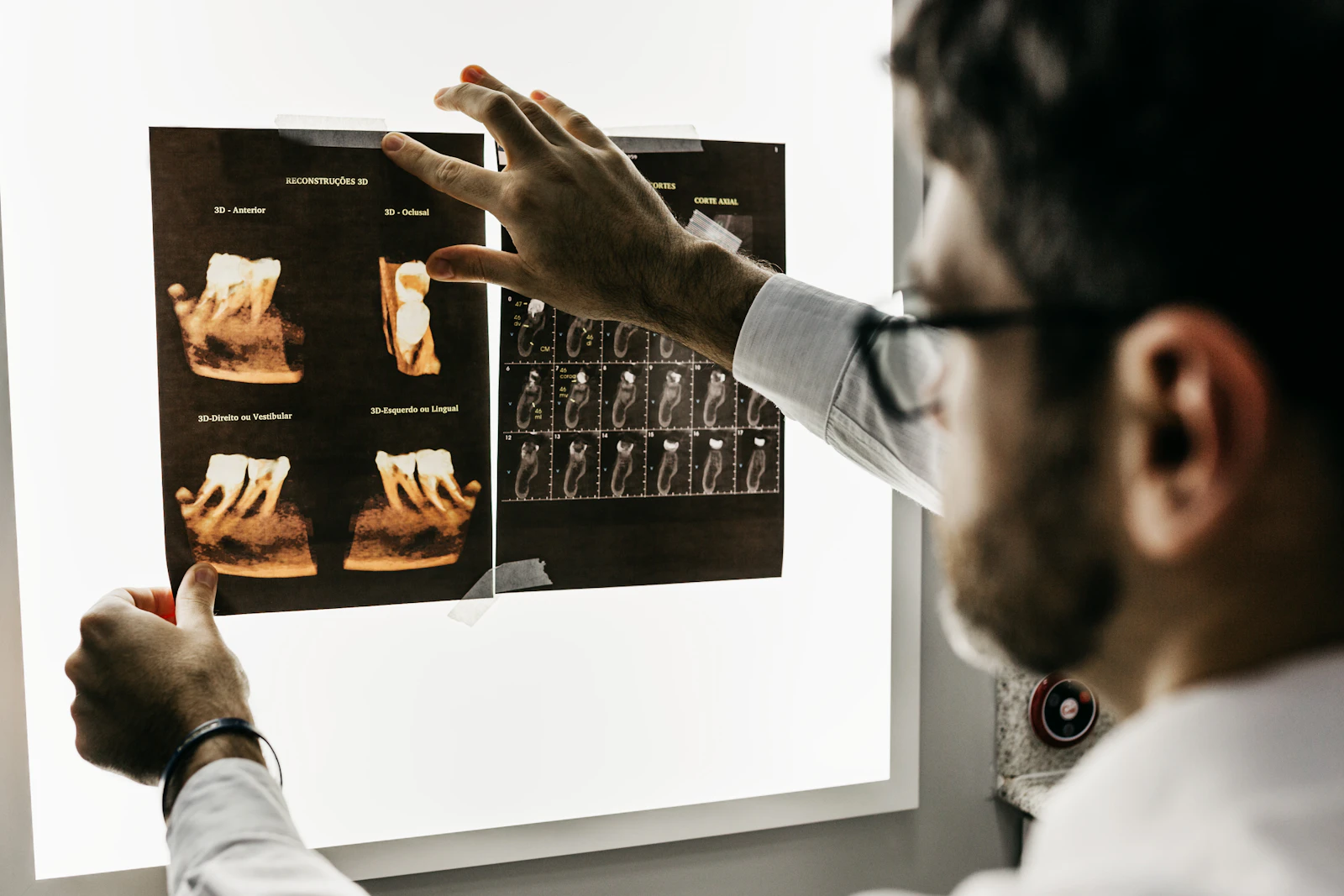
| Imaging | X-ray sensors, intraoral cameras, panoramic and CBCT workstations, and the PCs they’re tied to | Imaging software is often licensed to one computer and certified for specific Windows versions |
| Operatory and front desk PCs | Patching, replacement planning and quick fixes | A dead operatory PC means a lost appointment |
| Network and Wi-Fi | Separate networks for patients, staff and devices | Patient Wi-Fi should never reach the computers that hold charts |
| Phones and internet | Phone system, call recording rules and a backup internet connection | Patients call to confirm and reschedule all day |
| Security and compliance | HIPAA risk assessment, multi-factor sign-in, endpoint detection and response, email security and training | Required by the HIPAA Security Rule |
The HIPAA side of dental IT
The HIPAA Security Rule requires a dental practice covered by HIPAA to assess the risks to its electronic patient information and to put safeguards in place: administrative, physical and technical. In our onboarding reviews, the common gaps are missing administrative safeguards (policies, training records and access reviews nobody wrote down), missing physical safeguards and technical safeguards that are set up wrong.
Louisiana adds its own rule: notify affected residents of a breach no later than 60 days after discovering it (La. R.S. 51:3074). Our post on how to do a HIPAA security risk assessment walks through the assessment itself.
What we put in place for healthcare practices
- 01A HIPAA risk assessment every year, with a written report and a plan to fix what it finds
- 02Signed business associate agreements with every vendor that can touch patient information
- 03Backups that run hourly, copy off-site daily and can’t be altered once written, with Microsoft 365 or Google Workspace backed up three times a day
- 04Same-day shutoff of access when someone leaves the practice
- 05Video surveillance as part of the physical safeguards, where a practice needs it


We never hold your patient information ourselves. It stays in your systems, opened only with your permission.
Questions to ask a dental IT company
- Have you supported our practice management and imaging software before, and who calls the software vendor when something breaks?
- How fast can a failed operatory PC be replaced, and do you keep the imaging setup documented so a new PC matches the old one?
- Where are our backups, how often do they run, and when was a restore last tested?
- Will you do our HIPAA risk assessment, and will we get a written report?
- Will you sign a business associate agreement?
- What happens when we add a chair, an associate or a second office?
Growth is where IT shortcuts show up. One healthcare client of ours grew from about 50 staff to nearly 300 on one network with us. Planning for the next chair or office early is what keeps that kind of growth from turning into a rebuild.
If your practice is adding chairs or a second location this year, the IT plan should come before the build. Book a 15-minute call and we’ll tell you what we’d look at first. See how we support medical and dental practices.
Related reading

Frequently asked questions
How much does dental IT support cost?
It depends on the number of computers, operatories, locations and servers, and on how much of the security stack is included. Compare quotes against the same list of what’s covered, including the HIPAA risk assessment and backups, rather than on the monthly number alone.
Does a dental practice need a server?
Not always. Many practice management systems now run in the cloud. Imaging often still needs local storage and a fast network, so many practices end up with a mix.
Does a dental office need a BAA with its IT provider?
Yes, if the IT provider can access patient information, which almost every one can through servers, backups or remote support. That makes the provider a business associate under HIPAA, and you need a signed business associate agreement before work starts. Ask for it up front and keep a copy with your compliance records.
How often should a dental practice do a HIPAA risk assessment?
HIPAA requires an accurate and thorough risk analysis and ongoing review but doesn’t set a fixed schedule. Most practices do one every year and again after a major change, such as new practice management software, an office move or a new imaging system. We do an annual risk assessment with a written report for our healthcare clients.

Next step
Let us handle this for you.
Help desk, monitoring, updates, approved programs and backup on every computer, run for you.
- 15 minutes
Tell us which question brought you here and how your office runs.
We’ll tell you how it applies to you and what we’d look at first.
If we’re not the right fit, we’ll say so.
 15 minutes



