

Can password managers be hacked? Yes, and a well-known provider proved it in 2022. A password manager is still far safer than what most offices actually do, which is reuse the same password everywhere, keep logins in a spreadsheet on the shared drive, or write them on a sticky note under the keyboard.
For the wider rules on password length, MFA and passkeys, see our guide to strong passwords and authentication.
Talk to an advisor
Ask about your own setup.
We ask what you’re trying to accomplish and tell you what we’d look at first. It costs nothing to talk, and no price comes up on this call.
Why does an office need one?
Attackers don’t need to guess your password if they can find it. Data from one breached website is tested against email, banking and cloud apps within hours, which is why password reuse is so dangerous. Phishing pages collect the rest.
22%
of breaches in Verizon’s 2025 Data Breach Investigations Report started with credential abuse, the most common way in that year.
The fix is a different long, random password for every account, and nobody can remember dozens of those. A password manager removes the need to remember.
How does a password manager work?
A password manager is an encrypted vault for your logins. You open it with one master password, ideally plus MFA, and it handles the rest:
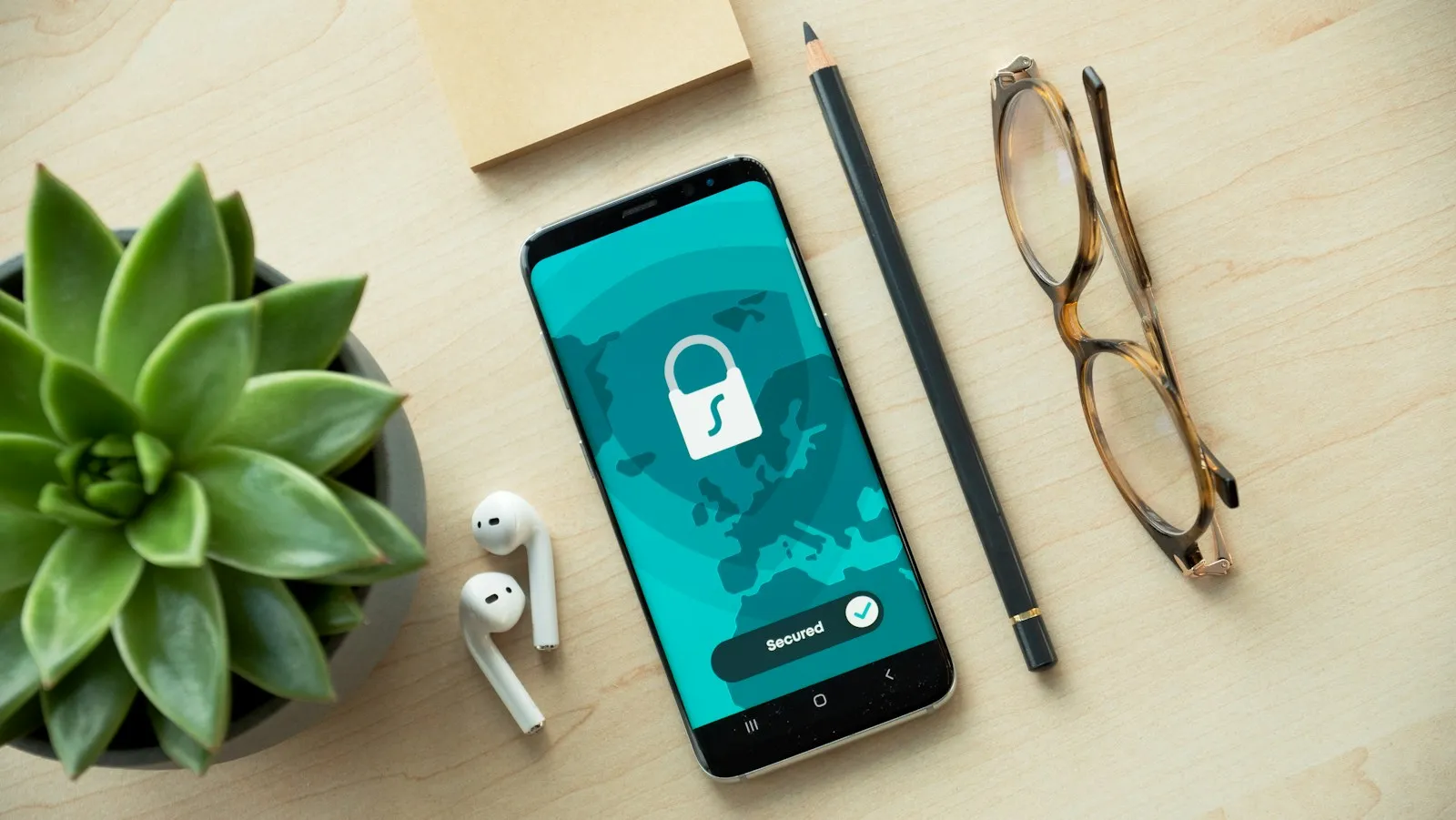
- It generates a long, random password for each new account.
- It encrypts the vault with a key derived from your master password, so a reputable provider can’t read what’s inside.
- It fills logins on the right site. Because autofill matches the real web address, it won’t fill your password into a look-alike phishing page, which is a useful warning sign.
- It points out weak, reused or exposed passwords so you can fix them.
- It holds other secrets too, such as software license keys, Wi-Fi passwords, MFA recovery codes and secure notes.
Can password managers be hacked?
In 2022, attackers stole backups of encrypted customer vaults from a well-known password manager provider. The passwords inside stayed encrypted, but website addresses were not, and the provider warned that weak master passwords would be much easier to crack.
So the risk sits with the master password and the devices around the vault. Five habits cover most of it:
- Use a long master password, such as a passphrase of several random words, and never use it anywhere else.
- Turn on MFA for the vault with an authenticator app or security key, so a stolen master password isn’t enough.
- Keep the apps and browser extensions updated on every device.
- Protect the devices themselves. Malware on a laptop can capture what you type, so endpoint protection and patching still matter.
- Choose a business-grade provider that publishes independent security audits and explains how its encryption works.
Is browser password saving good enough for work?
The password saving built into browsers and phones is much better than reuse, and it’s fine for personal accounts. For work, the gap is control:
| Browser or phone password saving | Business password manager | |
|---|---|---|
| Who controls it | The employee, often in a personal browser profile | The organization |
| When someone leaves | Their saved work passwords leave with them | Access is removed in one place |
| Sharing by role | Not available | Shared folders by team or role |
| Audit trail | None | Logs who accessed or changed a credential and when |
| Master password and MFA rules | Up to each person | Enforced centrally |
What is the safest way to share passwords with staff?
Some accounts are shared by nature: the vendor portal, the social media login, the bank’s business site. Email, text and chat are the worst places for them, because copies sit there forever. In a business password manager:
- Create shared folders by team or role, such as front desk, billing or management, and put each shared login in the right one.
- Give people access through folders, so adding someone to a team grants access and removing them ends it at once.
- Let staff use a login without viewing or copying it, where the tool supports that.
- Rotate shared passwords when someone who had access leaves.
- Give contractors limited, time-bound access to only the logins they need.
- Turn on MFA for the shared account itself wherever possible.
Departures are where this pays off. When a client asks us to offboard someone, we disable their access the same day, and a vault makes it easy to see which shared logins that person knew and need rotating. Our post on employee departures covers the rest of that process. We also offer dark web monitoring, and when a staff email and password show up in a breach dump, we tell the client so it can be changed.
Does a password manager help with compliance?
Shared logins are a compliance problem as well as a security one. The HIPAA Security Rule requires a unique name or number to identify and track each user, audit controls that record activity in systems holding patient data, and procedures to verify that people are who they claim to be. The FTC Safeguards Rule requires MFA for anyone accessing customer information at covered financial firms.
A business password manager supports those requirements with individual accounts, MFA on the vault and an audit trail of access. Current NIST guidance (SP 800-63B-4, finalized in 2025) agrees: systems must allow password managers and autofill. Where a site offers passkeys, adopt those too. Our compliance services help healthcare, accounting, financial, legal and nonprofit clients document controls like these, and our cybersecurity services include a managed business password manager for clients, along with the layers around it.
Logins kept in a spreadsheet or a group text can move into a managed vault in one project, and it’s one of the cheapest security upgrades you can make. Book a 15-minute call and we’ll talk through how to make the switch.
Frequently asked questions
What is a password manager?
A password manager is an encrypted vault for your logins. You open it with one master password, ideally plus MFA, and it generates a long, random password for each account, fills logins only on the real site and flags weak or reused passwords. A business version adds shared folders by role, an audit trail and one place to remove access when someone leaves.
Are password managers safe?
They’re far safer than reusing passwords or keeping them in a spreadsheet. In 2022 attackers stole encrypted vault backups from a well-known provider; the passwords stayed encrypted, and the provider warned that weak master passwords would be easier to crack. A long, unique master password, MFA on the vault and up-to-date devices cover most of the risk.
Is Google Password Manager safe?
Google Password Manager and the other password saving built into browsers and phones is much better than reusing passwords, and fine for personal accounts. For work, the gap is control: it usually sits in the employee’s own account, so saved work passwords leave with them, and there’s no sharing by role or audit trail. A business password manager closes those gaps.
Sources

Next step
Let us handle this for you.

Email sign-ins watched, fake email rejected, staff phishing tests and a security operations center.
 15 minutes
Tell us which question brought you here and how your office runs.
We’ll tell you how it applies to you and what we’d look at first.
If we’re not the right fit, we’ll say so.
 15 minutes


