
A manager installs an activity tracker on every laptop because a few remote staff seem slow to respond. A month later, the reports show the best salesperson as “idle” for hours, because she was on the phone closing deals. Meanwhile the tool has stored thousands of screenshots, some showing client records, on a vendor’s server nobody reviewed. That is how employee monitoring usually goes wrong.
Employee monitoring comes in two kinds that are easy to confuse. One protects sensitive data, and regulators expect it. The other measures activity, and it can damage trust while measuring the wrong thing. Knowing which one you need saves money and trouble.
Talk to an advisor
Ask about your own setup.
We ask what you’re trying to accomplish and tell you what we’d look at first. It costs nothing to talk, and no price comes up on this call.
Security monitoring vs. productivity tracking
| Security monitoring | Productivity tracking | |
|---|---|---|
| What it watches | Sign-ins, file access, downloads, malware, data leaving the company | Keystrokes, mouse activity, screenshots, apps and websites used |
| Required by regulation? | Partly. HIPAA and the FTC Safeguards Rule expect activity logging on sensitive systems. | No regulation requires counting keystrokes |
| What it tells you | Whether an account or device is at risk | How busy a keyboard looked |
| Main risk | Logs nobody reviews | Mislabeled work, lost trust, and a new pile of sensitive data |
| Who it protects | The business and the employee whose account may be stolen | Mostly a manager’s reassurance |
The HIPAA Security Rule requires mechanisms that “record and examine activity” in systems containing electronic protected health information. The FTC Safeguards Rule, which covers many tax, accounting and lending firms, requires controls to “monitor and log the activity of authorized users” and detect unauthorized access to customer information. Most of what you need for that comes from tools you may already have, such as Microsoft 365 sign-in and audit logs, endpoint protection and email filtering, configured and reviewed properly. Our compliance services page covers how that evidence is kept for audits.
What monitoring software tracks
Tools range from a simple time clock to software that records nearly everything a person does on a computer.
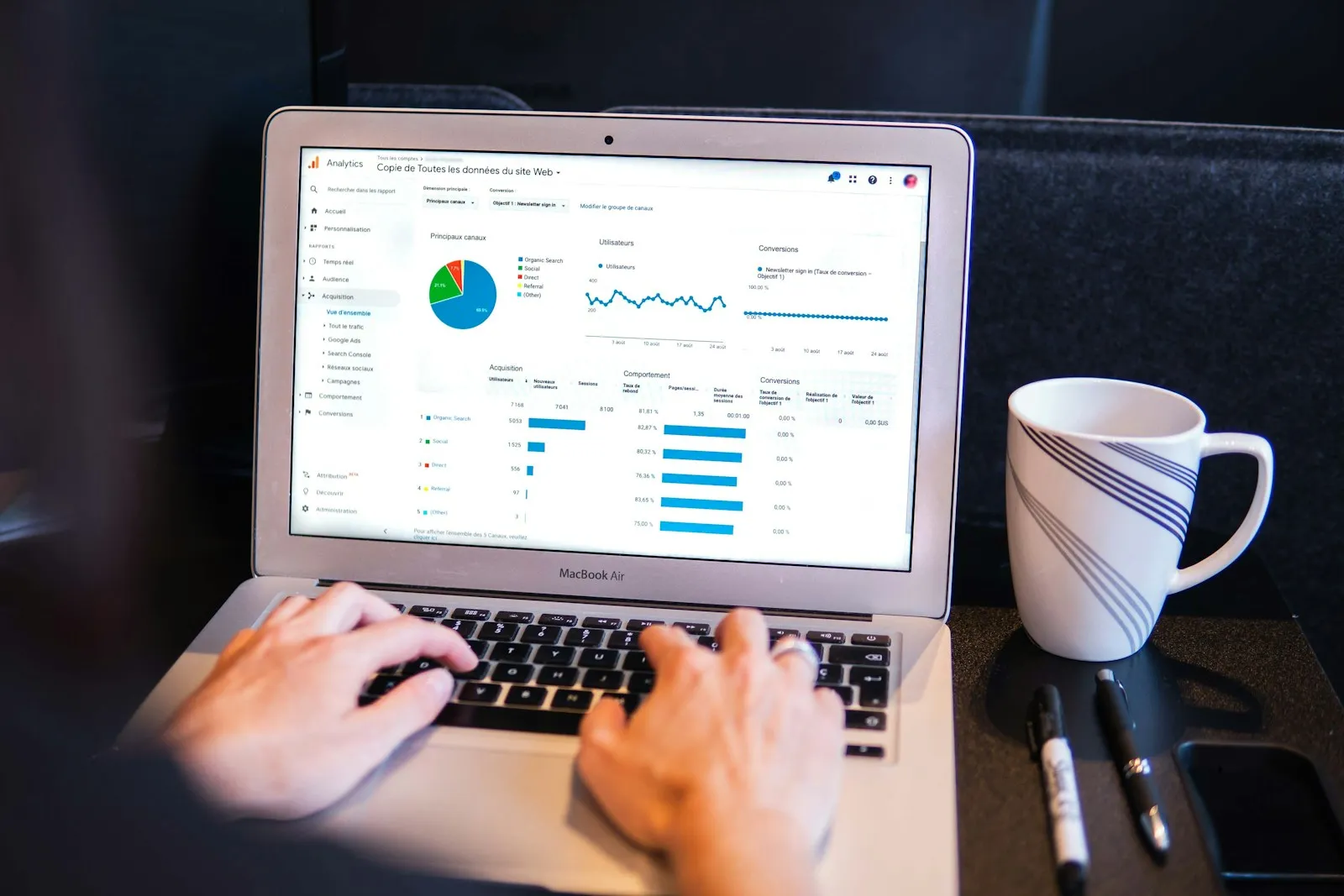
- 01Clock-in and clock-out times, and time tracked against projects or clients.
- 02Applications used and websites visited, and for how long.
- 03Keyboard and mouse activity, sometimes full keystroke logging.
- 04Periodic screenshots or screen recordings.
- 05Location data from company phones or laptops.
- 06In the most invasive tools, webcam or microphone capture.


Some tools run visibly. Others run hidden. Results usually arrive as daily or weekly reports, often boiled down to a single “productivity score.”
Where tracking helps
Project-based time tracking helps firms that bill by the hour and shows managers where effort actually goes. For remote freelancers paid hourly, a shared time tracker can replace manual timesheets and disputes. On the security side, alerts on unusual downloads or file transfers can catch a compromised account or a departing employee taking client lists, and good logs give insurers, regulators and auditors the evidence they ask for after an incident.
The downsides of productivity tracking
Activity is a poor stand-in for work
Keyboard and mouse scores can’t see a phone call, a video meeting, reading a contract or working through a problem on paper. A tool that marks those minutes as idle gives managers a false picture and pushes employees to look busy.
Trust and retention
Heavy surveillance tells good employees they aren’t trusted. Microsoft’s 2022 Work Trend Index called this gap “productivity paranoia”: 87% of employees said they were productive, while 85% of leaders said hybrid work made it hard to be confident they were. Tracking tools can widen that gap.
A new pile of sensitive data
Screenshots and keystroke logs capture whatever was on screen or typed, including passwords, patient or client details, bank information and personal messages, and that data often lives in the monitoring vendor’s cloud. If you handle protected health information, a vendor storing screenshots of it may need a business associate agreement, and every monitoring vendor deserves the same security review as any other.
Employee monitoring laws to know
This is general information, not legal advice. Confirm the rules with an employment attorney for every state where you have staff.
Federal law
The Electronic Communications Privacy Act generally allows monitoring of company-owned systems for a legitimate business purpose, routinely and with notice, or with employee consent. Monitoring personal devices and personal accounts is far riskier.
State notice laws
New York requires private employers to give written notice of email, phone and internet monitoring at hiring, get an acknowledgment, and post the notice. Connecticut and Delaware have similar notice laws.
Labor law
Monitoring that interferes with employees discussing pay or working conditions can raise National Labor Relations Act issues. A 2022 NLRB General Counsel memo targeting intrusive monitoring was rescinded in February 2025, and the underlying law still applies.
Questions to ask before you buy a tool
- What problem are we solving: billing accuracy, a compliance requirement, data leaving the company? If you can’t name it, you may not need a tool.
- Is there a less invasive option? Audit logs and data loss alerts usually beat screenshots and keystroke capture.
- Have we explained it in a written policy, said what is collected and why, and collected signed acknowledgments?
- Can we turn off webcam, microphone and keystroke features we don’t need?
- Who can see the reports, how long is the data kept, and has the vendor passed a security review?
- Are we judging people on results, with activity data as one input at most?
Before adding anything, check what you already have. Every one of our clients has a 24/7 security operations center watching for threats, and Microsoft 365 records much of what an audit asks for once auditing is switched on, which in many tenants we review it isn’t. Our posts on event logging and work from home policies cover the related pieces.
Before you buy a monitoring tool, we can tell you what your current setup already records and whether a new vendor would meet your security and compliance obligations. Book a 15-minute call, or read about our managed IT and cybersecurity services.
Related reading

Frequently asked questions
Is employee monitoring legal?
Generally yes, on company-owned systems. The federal Electronic Communications Privacy Act generally allows monitoring for a legitimate business purpose, routinely and with notice, or with employee consent. Some states, including New York, Connecticut and Delaware, require written notice, and monitoring that interferes with employees discussing pay or working conditions can raise labor law issues. Confirm the rules with an employment attorney.
Is it legal to monitor employees without their knowledge?
It’s risky and sometimes illegal. Federal law generally allows monitoring of company systems for a legitimate business purpose, but New York requires written notice at hiring with an acknowledgment, and Connecticut and Delaware have similar notice laws. Even where notice isn’t required, a written policy that says what’s collected and why, with signed acknowledgments, is the safer approach.
Can employers monitor personal devices?
Monitoring personal phones and personal accounts is far riskier than monitoring company-owned systems, and most employers shouldn’t try. A better approach is to protect company apps and data on personal devices, or require enrollment, under a written BYOD policy staff acknowledge. Our BYOD policy guide covers the options.
What does employee monitoring software track?
Employee monitoring software can track clock-in and clock-out times, time spent on projects, applications and websites used, keyboard and mouse activity, periodic screenshots or screen recordings, and location from company devices. The most invasive tools capture webcam or microphone. Results often arrive as a single productivity score, which can’t see phone calls, meetings or reading.
Sources
- eCFR: 45 CFR 164.312, HIPAA technical safeguards (audit controls)
- eCFR: 16 CFR 314.4, FTC Safeguards Rule elements
- Microsoft Work Trend Index: Hybrid Work Is Just Work, September 2022
- Holland & Knight: New York Law Requires Notice of Employees’ Electronic Monitoring, May 2022
- Bricker Graydon: The Electronic Communications Privacy Act and tracking work-from-home employees
- NLRB: GC 25-05 Rescission of Certain General Counsel Memoranda, February 2025
Next step
Let us handle this for you.
We tell you which rules apply, put safeguards in place and hand you the policies.
- 15 minutes
Tell us which question brought you here and how your office runs.
We’ll tell you how it applies to you and what we’d look at first.
If we’re not the right fit, we’ll say so.



