
People who use AI heavily at work report saving more than 30 minutes a day, according to Microsoft and LinkedIn’s 2024 Work Trend Index. That won’t hold for every role, but it shows what AI automation for small business can do when someone builds it into a routine. You don’t need a data science team to get there. Most offices already pay for tools with AI built in, and the real job is picking a few tasks, using accounts that protect your data, and having a person check the output.
Where AI automation for small business pays off first
The fastest wins happen often, follow a pattern, and can be checked in a minute or two:
- First drafts of emails, proposals, job posts, policies and client letters. AI gets you to a usable draft and you edit from there.
- Summaries of long email threads, meeting notes, lengthy reports and contracts you need the gist of.
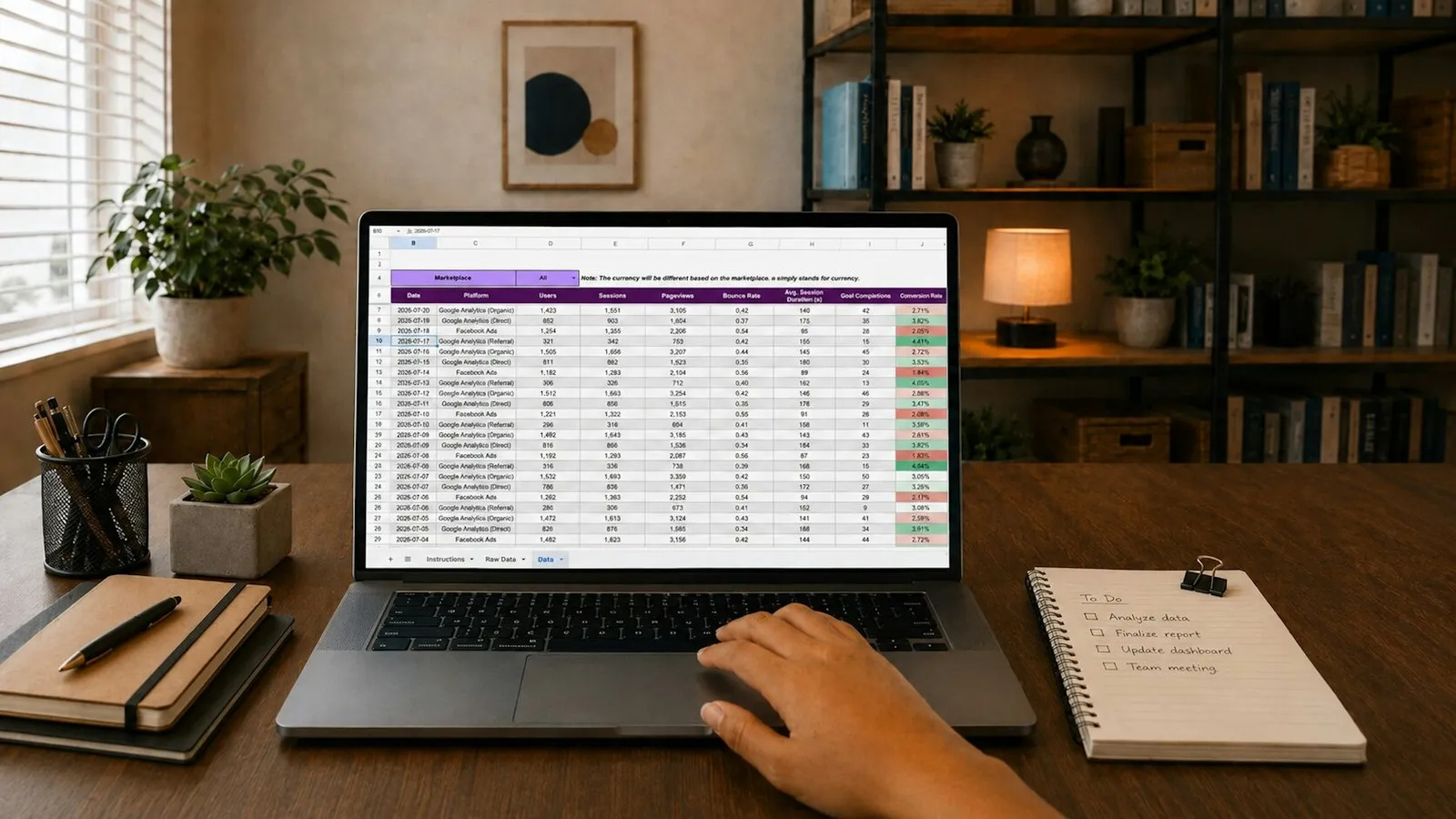
- Spreadsheet work: building formulas, cleaning messy data, spotting outliers and drafting charts.
- Routine questions through a website chat or help form that handles hours, directions and appointment requests, then hands off to a person.
- Scheduling tools that let clients pick a time that fits your calendar.
- Marketing basics such as social posts and newsletter outlines, reviewed by someone who knows your organization.
Start with what you already pay for
Copilot naming has changed several times, so here is where things stand in 2026.
| Tool | What it does | How you get it |
|---|---|---|
| Microsoft 365 Copilot Chat | Drafting, summarizing and research with enterprise data protection when staff sign in with a work account. Microsoft says prompts and responses aren’t used to train the underlying models. | Included with eligible Microsoft 365 business licenses at no extra cost |
| Microsoft 365 Copilot | Works across the email, meetings, calendars, chats and files each user can already see, inside Word, Excel, PowerPoint, Outlook and Teams | Paid license, or Business Standard and Business Premium plans with Copilot built in, sold since July 1, 2026 |
| Finance in Microsoft 365 Copilot | Connects to Dynamics 365 Finance or SAP and helps with work like reconciliation, with variance analysis and customer payment emails in preview at launch | Generally available since October 2025; formerly called Copilot for Finance |
| Power Automate | Runs rules-based flows on a trigger, on a schedule or at the press of a button | A limited set of features is included with many Microsoft 365 licenses |
If your books live somewhere other than Dynamics 365 or SAP, the general Copilot features in Excel and Outlook are the more realistic starting point. Our Microsoft 365 services page covers licensing and setup.
Don’t skip plain automation
A lot of office busywork follows fixed rules, and rules-based automation is cheaper, more predictable and easier to test than AI. Everyday Power Automate jobs include saving a vendor’s email attachments straight to the right SharePoint folder, posting a Teams alert when a form is submitted, routing a purchase request to a manager and logging the answer, and sending a reminder when a document is due for review.
A useful rule: if you can write the steps down and they never change, automate them with rules. If the task needs judgment about wording or meaning, that is where AI earns its place. Our guide to business process automation walks through picking the first process.
What can go wrong
- Client data in personal accounts. The 2024 Work Trend Index found 78% of AI users bring their own tools to work. A free consumer chatbot sits outside your business agreements, and for regulated firms that can become a HIPAA, FTC Safeguards Rule or client confidentiality problem. Our post on shadow AI covers it in detail.
- Oversharing inside Microsoft 365. Copilot respects existing permissions, so a salary spreadsheet shared with everyone can surface for anyone who asks. Clean up sharing before paid Copilot goes live.
- Wrong answers. AI can invent figures, citations and policy details. Anything going to a client, a regulator or a bank needs a person’s review.
- Unvetted apps. AI note-takers, browser extensions and third-party bots often ask for access to email and files, and each one is a vendor with your data.
A one-page plan to get started
- Ask your team which tasks eat their time and which AI tools they already use. Your heaviest users make good guides.
- Pick three repetitive tasks with easy-to-check results, such as meeting summaries, email drafts and a weekly report.
- Approve the tools and the accounts. For most Microsoft 365 shops, that means Copilot Chat with a work sign-in, plus Power Automate for rules-based jobs.
- Write a short AI use policy covering what data never goes into AI tools, which accounts to use, and who reviews output before it leaves the building.
- Time each task before and after for a few weeks. Keep what works.
- Add paid Copilot licenses for the roles that will use them most, after permissions are cleaned up.
The same Work Trend Index found 60% of leaders worried their company had no plan or vision for AI. One page like this puts you ahead of that.
Extra care if you keep sensitive records
If you handle patient records, tax returns, financial accounts, legal files or donor data, AI tools need the same vetting as any vendor that touches that data. Confirm the contract terms, whether the vendor will sign a business associate agreement where HIPAA applies, where data is stored and how long it is kept. Add approved tools to your written security program and review them at your next risk assessment. Our compliance services keep that documentation current, and our article on AI governance covers the policy side.
For clients, we write AI use policies, check Copilot readiness before a rollout, and block or control the unapproved AI tools staff pick up on their own. If you want help choosing the first three tasks for your office, book a 20-minute call or read more about our AI services.
FAQ
Frequently asked questions
Will AI replace my staff?
For most small organizations, AI takes over drafting, summarizing and data cleanup so people spend more time on clients and judgment calls. Someone still needs to check the output.
Is it safe to put client information into ChatGPT?
Not into a free personal account. Use a business account your organization has approved and vetted, and keep regulated data out of any tool without the right agreements in place.
Sources: Microsoft and LinkedIn, 2024 Work Trend Index; Microsoft Learn, Microsoft Copilot Chat overview; Microsoft Learn, Copilot Chat privacy and protections; Microsoft, Introducing Microsoft 365 Business with Copilot, May 2026; Microsoft, Finance in Microsoft 365 Copilot is now generally available, October 2025; Microsoft Learn, Power Automate flow types; Microsoft Learn, Types of Power Automate licenses.



