Choosing the Right Password Manager
Selecting the best password manager is essential for effective password management. Users should consider factors such as security features, ease of use, cross-platform compatibility, and customer support when making their choice. A good password manager should also offer strong encryption and a zero-knowledge policy to ensure that user data remains private.
For instance, popular options like LastPass, Dashlane, and 1Password provide various features tailored to different user needs. While LastPass is known for its user-friendly interface, Dashlane offers robust security auditing tools. Evaluating these aspects can help users find a password manager that fits their lifestyle and security requirements.
Integrating Two-Factor Authentication with Password Managers
Two-factor authentication (2FA) adds an extra layer of security to password management, making it more difficult for unauthorized users to access accounts. By integrating 2FA with a password manager, users can significantly enhance their online security. This process typically involves providing a second form of verification, such as a code sent to a mobile device, in addition to entering a password.
Many password managers support 2FA, allowing users to store their authentication codes securely. For example, Google Authenticator and Authy can be used alongside password managers to streamline the login process while maintaining high security. Implementing 2FA is a crucial step in safeguarding sensitive information against potential breaches.
Understanding Password Security Metrics
Measuring password security is vital for users to understand the strength of their passwords. Security metrics can include password length, complexity, and the uniqueness of passwords across different accounts. Users should aim for a score that indicates their password strength, with a higher score reflecting better security practices.
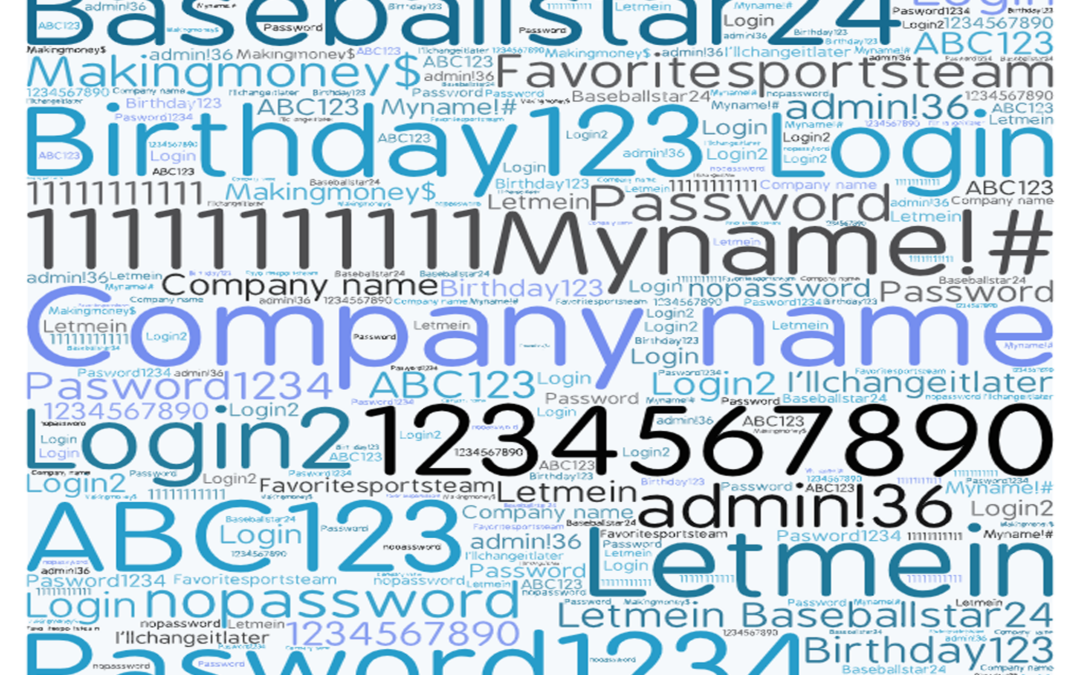
Tools like password strength checkers can evaluate passwords against common criteria, helping users identify weak points. Additionally, metrics such as the time it would take for a hacker to crack a password can provide valuable insights. By understanding these metrics, users can make informed decisions about their password strategies.
Regularly Updating Passwords: When and How
Regularly updating passwords is a crucial practice for maintaining cybersecurity. Users should change their passwords periodically, especially after any indication of a security breach or if they suspect their password has been compromised. Establishing a routine for password updates can help mitigate risks associated with stale passwords.
Best practices recommend changing passwords every three to six months and utilizing password managers to facilitate this process. Many password managers offer reminders for password changes and can help generate new, strong passwords. By staying proactive, users can significantly reduce their vulnerability to cyber threats.